
Shop Now
Institutional page for the HOMCOM brand hub.
Quick answer:
Choosing a modern home office desk is about more than finding a desk with a clean, contemporary appearance. The right desk should fit your available space, support the way you work, provide enough usable surface area, and offer the storage and flexibility you actually need.
Before buying, consider these seven questions:
The best choice is rarely the largest or most feature-heavy desk. It is the one that provides enough workspace and functionality without creating unnecessary demands on your room.
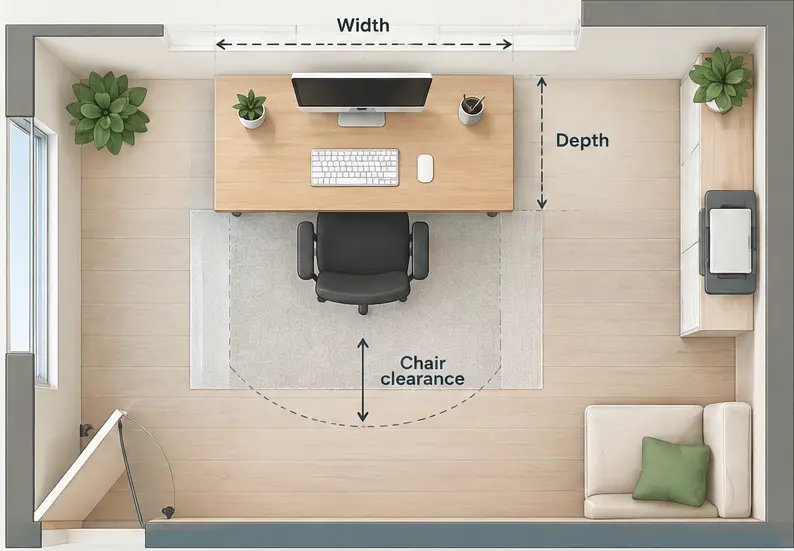
Start by measuring the area where the desk will actually be used.
Measure the available width and depth, but also consider doors, windows, walkways, nearby furniture, power outlets, and the space needed for your chair.
A desk may technically fit against a wall but still make the room uncomfortable if there is not enough clearance for the chair or for moving around the workstation.
Think about the complete workstation footprint, not just the desktop. Your chair, monitor, storage, printer, lighting, and other equipment can all affect how much space you need.
For a small bedroom or living room, a compact desk can help preserve floor space. A dedicated home office gives you more flexibility to choose a larger work surface or a corner configuration.
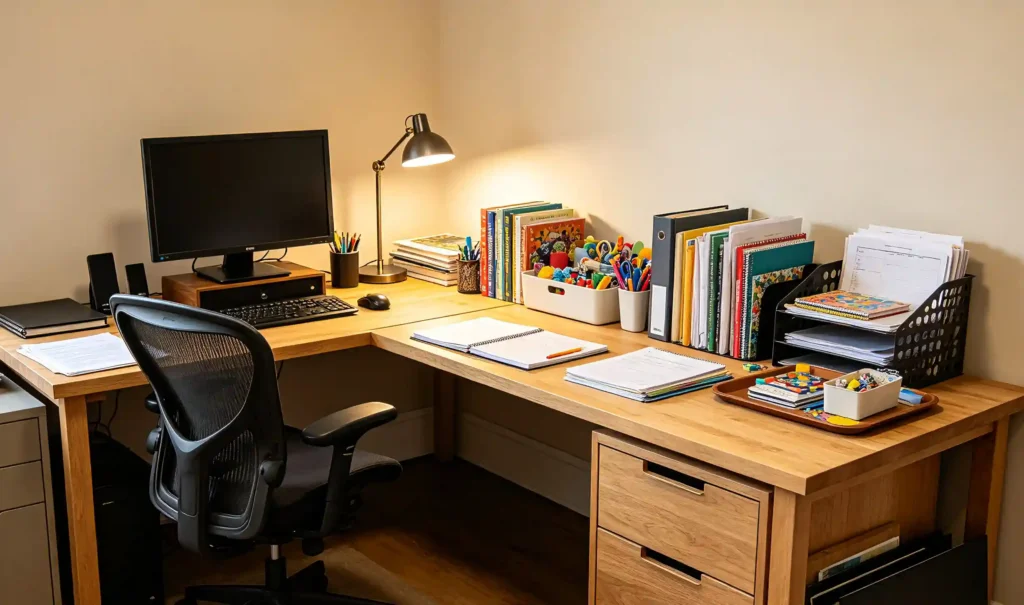
Your daily routine should determine how much workspace and functionality you need.
For example:
The goal is not to buy the largest modern home office desk that will fit. It is to choose a desk that provides enough usable space for your routine without overwhelming the room.
Once you understand your space and work habits, choose a desk configuration that supports them.
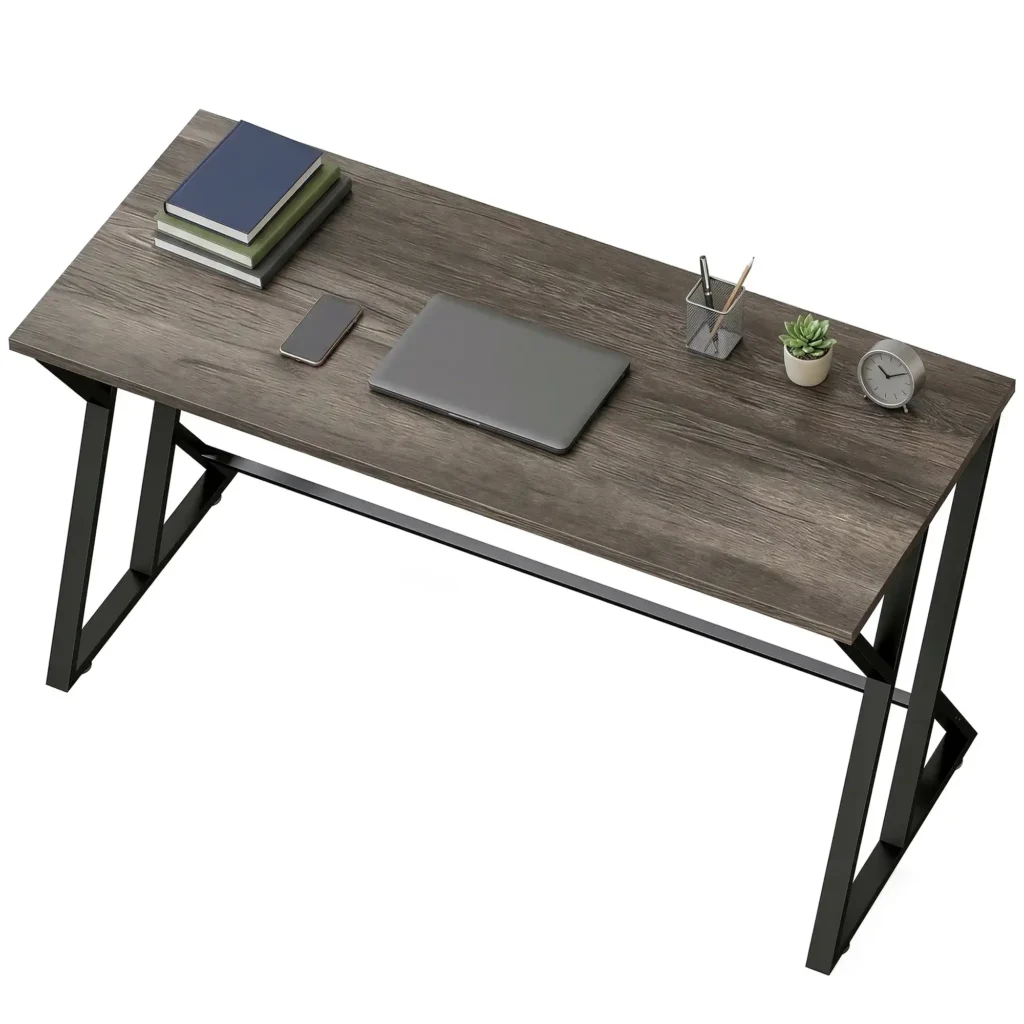
Rectangular desks are among the most versatile options for bedrooms, living rooms, and dedicated offices.
A writing desk can be a good choice when you need a straightforward surface for a laptop, monitor, keyboard, and everyday accessories without extensive built-in storage.
This simple configuration can also work well when you want the workstation to have a relatively light visual presence within the room.
An L-shaped or corner desk can make better use of an otherwise underused corner while creating separate areas for different tasks.
One section can hold the main computer setup while the other provides space for paperwork, accessories, or secondary equipment. This configuration can be particularly useful when you need more working area without placing one extremely long desk against a wall.
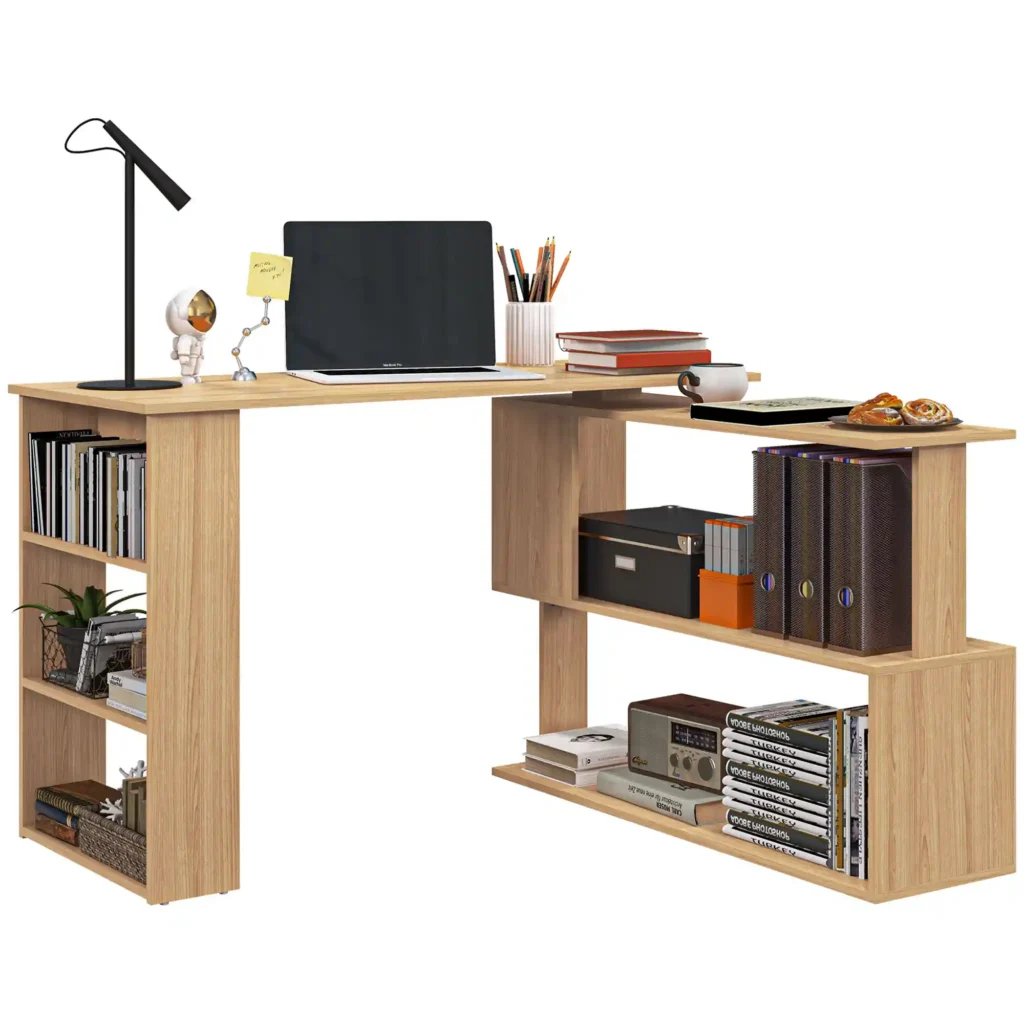
HOMCOM’s desk range includes L-shaped and corner configurations that demonstrate this approach. For example, its L-shaped desk designs combine a corner-oriented work surface with additional storage or workspace, making this type of configuration relevant for users who need to maximize a corner.
If your home office has to share space with another activity, flexibility may be more important than maximum desktop size.
Folding and convertible desks can be useful in bedrooms, guest rooms, living rooms, and other multifunctional spaces because they can reduce their footprint when they are not being used.
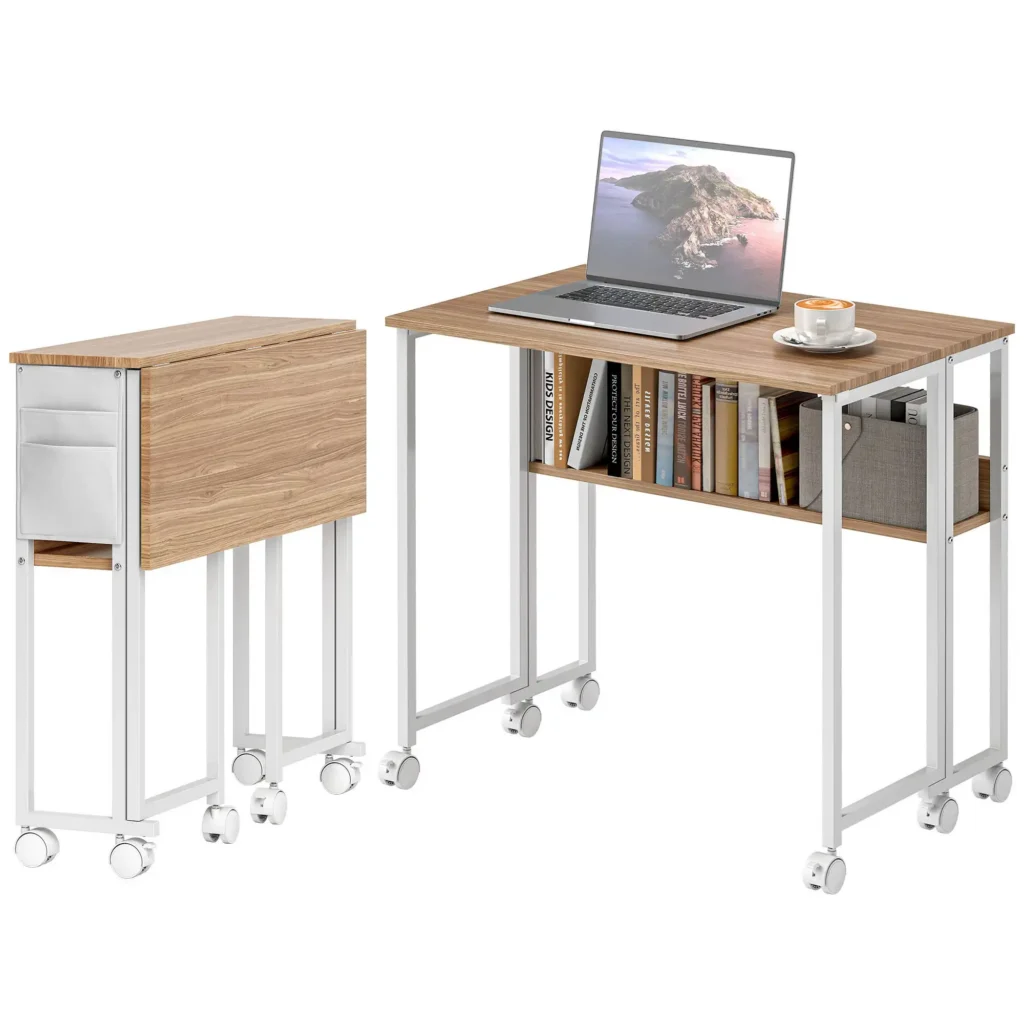
One example is the HOMCOM foldable computer desk, which uses a drop-leaf design that reduces its depth when folded and includes an open shelf and side storage bag.
The important consideration is not the specific product itself, but the type of problem this configuration solves: you can prioritize flexibility when a permanent full-size workstation is not practical.
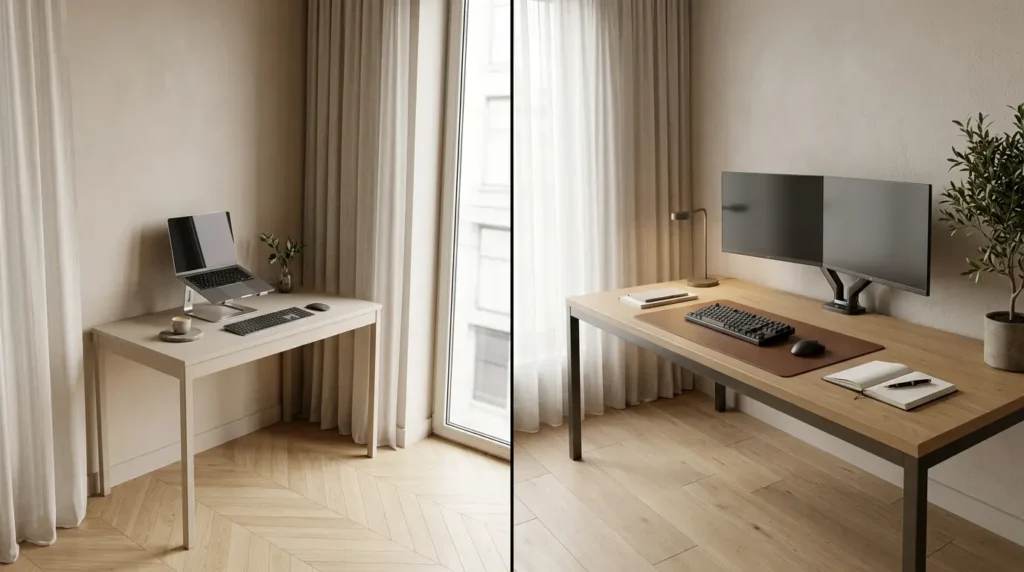
Desk dimensions should be based on what needs to sit on the surface.
A laptop, monitor, keyboard, mouse, notebook, and other frequently used items should fit without forcing you to work around unnecessary clutter.
For a basic laptop setup, a compact desktop may be enough. A dual-monitor workstation or a setup involving paperwork will generally require more usable surface area.
Avoid choosing dimensions solely because the desk fits a particular wall. The more important question is whether the usable desktop supports your equipment and working routine.
Desk size and ergonomics are related, but they are not the same thing. A large desk can still be uncomfortable if its height, leg clearance, or equipment placement does not work with your chair and body position.
Your desk and chair should be considered as one workstation.
A fixed-height desk may work well for one user but provide less flexibility if the working surface cannot be positioned comfortably with the chair.
The area underneath the desk matters too. Drawers, support structures, cabinets, or stored equipment should not restrict your knees, thighs, or feet.
OSHA’s computer workstation guidance recommends adequate clearance beneath the work surface and emphasizes arranging the desk and workstation components to reduce awkward working positions. Its purchasing guidance also considers adjustability useful when a workstation needs to accommodate different users or working positions. [1]
Before buying, check whether:
The desktop should provide enough space to position the monitor and input devices without forcing you into awkward positions.
Rather than treating a particular measurement as a universal rule, consider whether you can position the monitor directly in front of you at a comfortable viewing distance and keep the keyboard and mouse within easy reach.
OSHA’s workstation guidance recommends positioning the primary monitor directly in front of the user and keeping the top of the screen at or below eye level. It also recommends positioning the keyboard so the shoulders remain relaxed, elbows stay close to the body, and wrists remain relatively straight. [1]
This is why usable desk depth matters. If the surface is too shallow, it can become difficult to position the monitor comfortably while leaving enough room for the keyboard and mouse.
Height adjustment can be useful if you regularly alternate between sitting and standing or if multiple people use the same workstation.
However, it is not automatically necessary for every home office.
If you mainly work from a laptop for short periods, a properly sized fixed-height desk may be sufficient. If you spend long periods at the desk or need the workstation to accommodate different users, adjustability may provide more flexibility.
The important question is whether the desk can be positioned appropriately for your chair, equipment, and working routine.
A modern home office can look cluttered even when the desk itself has a minimalist design. Storage and cable management therefore deserve consideration alongside the desktop.
Start with the items you actually need to keep near your workstation.
If your work is mostly digital, a drawer or small shelf may be enough for notebooks, stationery, chargers, and other essentials.
If you regularly handle paperwork or office supplies, integrated drawers or shelving can make those items easier to organize.
However, more storage is not always better. Large cabinets and multiple shelves can increase both the physical footprint and visual weight of the desk.
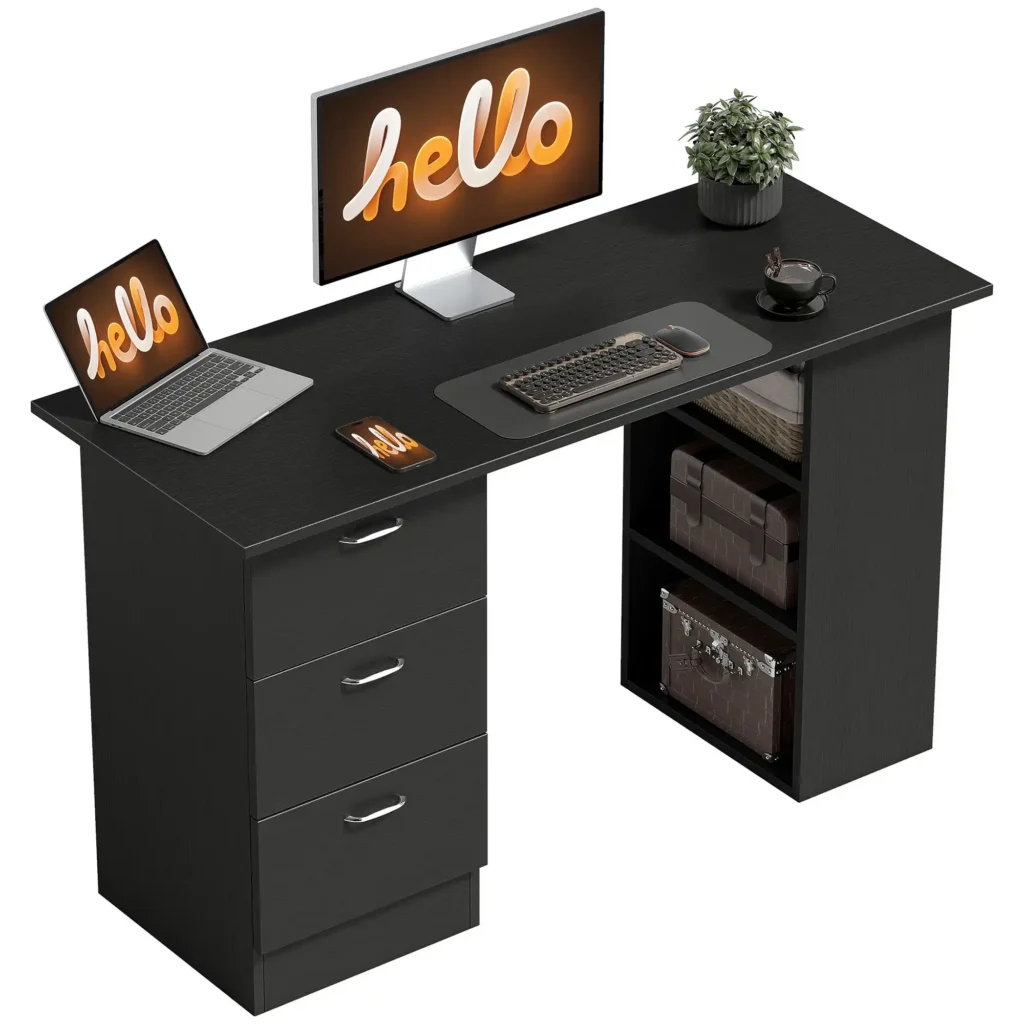
HOMCOM also offers desks that combine a work surface with dedicated drawers and storage. For example, its 47-inch computer desk with three drawers is designed to organize files and office supplies within the workstation itself.
This type of design makes sense when storage is an important part of the user’s daily routine. If you rarely need to store anything at the desk, a simpler workstation may be more appropriate.
Modern workstations can quickly accumulate cables for monitors, laptops, chargers, lamps, speakers, and other equipment.
When choosing a desk, consider whether there is:
You can also add cable-management accessories separately. Clips, sleeves, trays, and under-desk organizers can keep wires organized even when the desk itself has a simple design.
A clean desktop is easier to maintain when frequently used devices can remain connected without creating a visible cluster of cables.
The material of a modern home office desk affects more than its appearance. It can influence maintenance, weight, surface characteristics, durability, and the overall feel of the furniture.
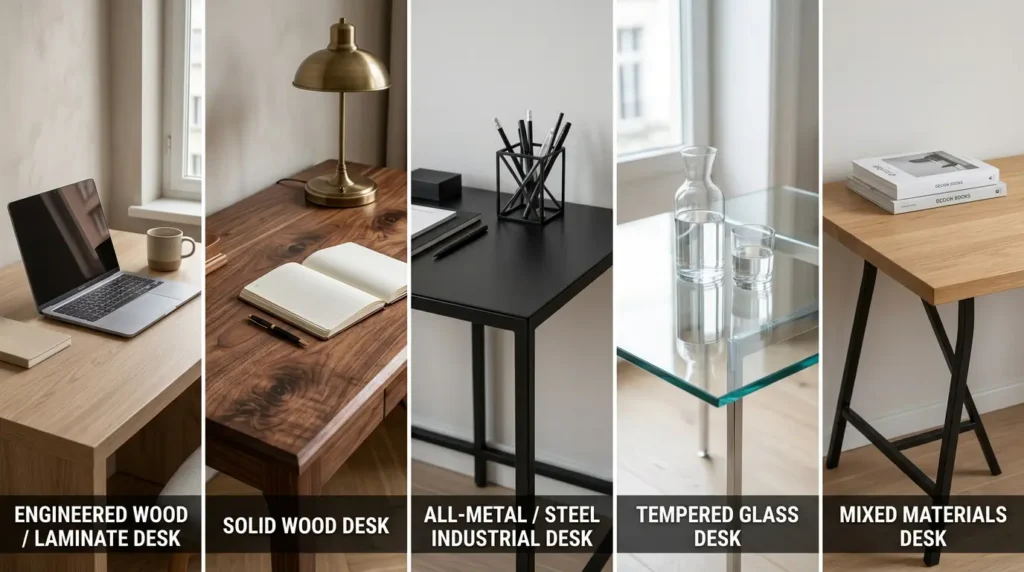
Common desk materials include engineered wood, laminate, solid wood, metal, glass, and combinations of these materials.
Rather than asking which material is universally best, consider what matters for your workspace.
Engineered wood and laminate can offer a practical balance between appearance, maintenance, and everyday use.
Solid wood can provide a more substantial, furniture-like appearance and may appeal to users who prefer natural materials.
Metal is commonly used for desk frames and structural components and can complement minimalist or industrial interiors.
Glass can create a lighter visual appearance, although its maintenance requirements and suitability depend on the room and intended use.
Mixed-material desks can combine different visual and structural characteristics, such as a wood-look work surface with a metal frame.
Material alone does not determine whether a desk will feel stable.
Look at the overall construction, including the frame, legs, joints, supports, desktop attachment, and base design.
This becomes particularly important if your setup includes multiple monitors or heavier equipment.
For office and commercial furniture, ANSI/BIFMA X5.5-2021 provides a common basis for evaluating the safety, durability, and structural performance of desk and table products. The standard covers traditional desks and tables as well as certain height-adjustable tables and related products. [2]
For residential and occasional-use workspaces, ANSI/BIFMA X6.5-2022 specifically covers home office and occasional-use desk, table, and storage products, with particular attention to areas such as stability, leg strength, and height-adjustable surfaces. [3]
You do not need to memorize furniture standards before buying a desk. The practical takeaway is simply to evaluate construction and intended use alongside appearance.
Once the functional requirements are clear, consider how the desk will look in the room.
A modern home office desk does not have to follow one rigid style category. Clean lines, simple silhouettes, restrained detailing, and balanced proportions can work across many contemporary interiors.
A straightforward silhouette can work well in a bedroom, living room, or dedicated office because it is less likely to visually dominate the room.
If your room already contains substantial furniture, a lighter-looking desk may create better balance.
A larger dedicated office, on the other hand, may accommodate a more substantial desk with a stronger furniture presence.
The desk should also work with the furniture already in the room.
For example:
The goal is not to follow a particular trend. Choose a finish and silhouette that will continue to work with the room as your needs change.
A higher-priced desk does not automatically provide greater value for every home office.
Instead of starting with a fixed price range, identify the features that genuinely matter to your setup.
You may want to allocate more of your budget toward:
If you mainly work from a laptop for short periods, however, paying for extensive storage or advanced adjustability may not provide much practical benefit.
Think about your purchase in terms of the functions you will actually use, rather than simply choosing the desk with the highest number of features.
The final decision should bring together everything you have considered so far.
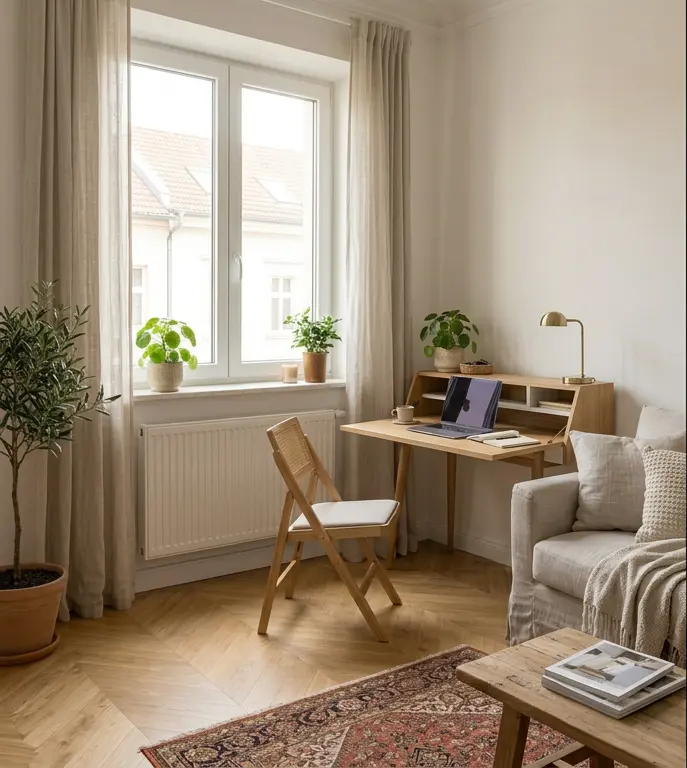
Prioritize a compact footprint, adequate working space, and a visually light design.
A folding desk, writing desk, or compact computer desk can work well when the room serves multiple purposes.
For particularly tight spaces, a folding configuration can allow the workstation to be reduced when it is not needed.
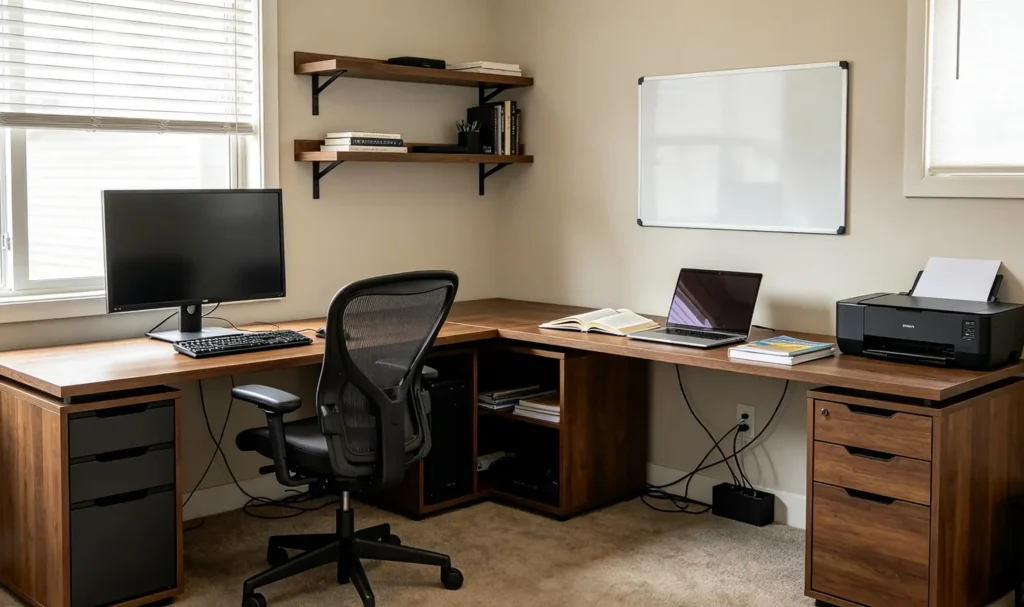
A dedicated office gives you more freedom to prioritize workspace and functionality.
A rectangular desk can work well for a straightforward workstation, while an L-shaped configuration can provide additional surface area and separate work zones.
If you work from home full time, prioritize ergonomics, storage, cable management, stability, and durability before making appearance the deciding factor.
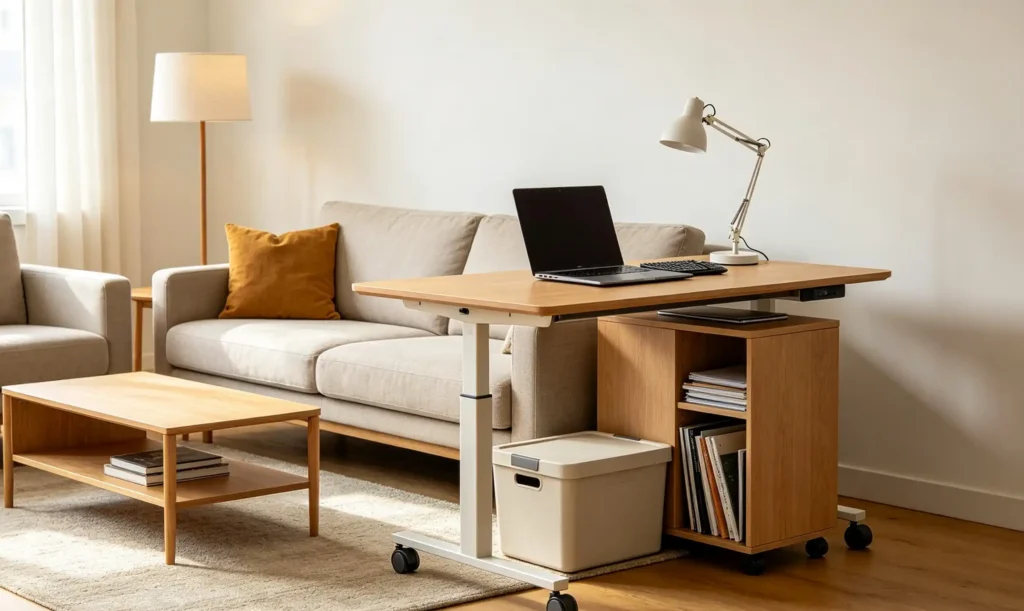
When the same room needs to function as an office and another living space, flexibility becomes more important.
Consider whether the desk can be folded, moved, reconfigured, or used for more than one purpose.
Storage should also be planned carefully so work materials can be organized without permanently taking over the room.
The right desk is ultimately the one that fits both your room and your routine.
Choosing a modern home office desk becomes easier when you make the decisions in the right order.
Start with your available space and the way you work. Then choose a desk type and size that provide enough usable surface area. Check height, legroom, monitor placement, and keyboard position for everyday comfort.
After that, consider the amount of storage you actually need, how you will manage cables, whether the materials and construction suit your use, and whether the desk’s style works with your home.
Finally, set your budget around the features that genuinely improve your workspace rather than paying for features you are unlikely to use.
A modern home office desk should not simply look contemporary. It should make your workspace easier to use, easier to organize, and better suited to the way you work every day.
Start with the complete workstation rather than the desktop alone. Consider the space required for your chair, monitor, keyboard, mouse, laptop, documents, and other frequently used equipment. A laptop-only setup may need much less surface area than a dual-monitor workstation.
Not necessarily. An L-shaped desk can make good use of a corner, but its overall footprint may still be larger than a compact rectangular or folding desk. Measure the complete area first and compare the usable workspace with the floor space it occupies.
They can be, provided the desk offers enough usable surface area and feels stable for your equipment. Folding desks are particularly useful when a room has multiple purposes or when you need to reduce the workstation footprint after work.
Look at the overall construction, including the frame, legs, joints, supports, desktop attachment, stability, and intended use. Material is only one part of how a desk performs over time.
Not necessarily. A standing desk can provide additional flexibility, but a properly sized fixed-height desk can also work well. Consider how long you work at the desk, whether you alternate between sitting and standing, and whether more than one person will use the workstation.